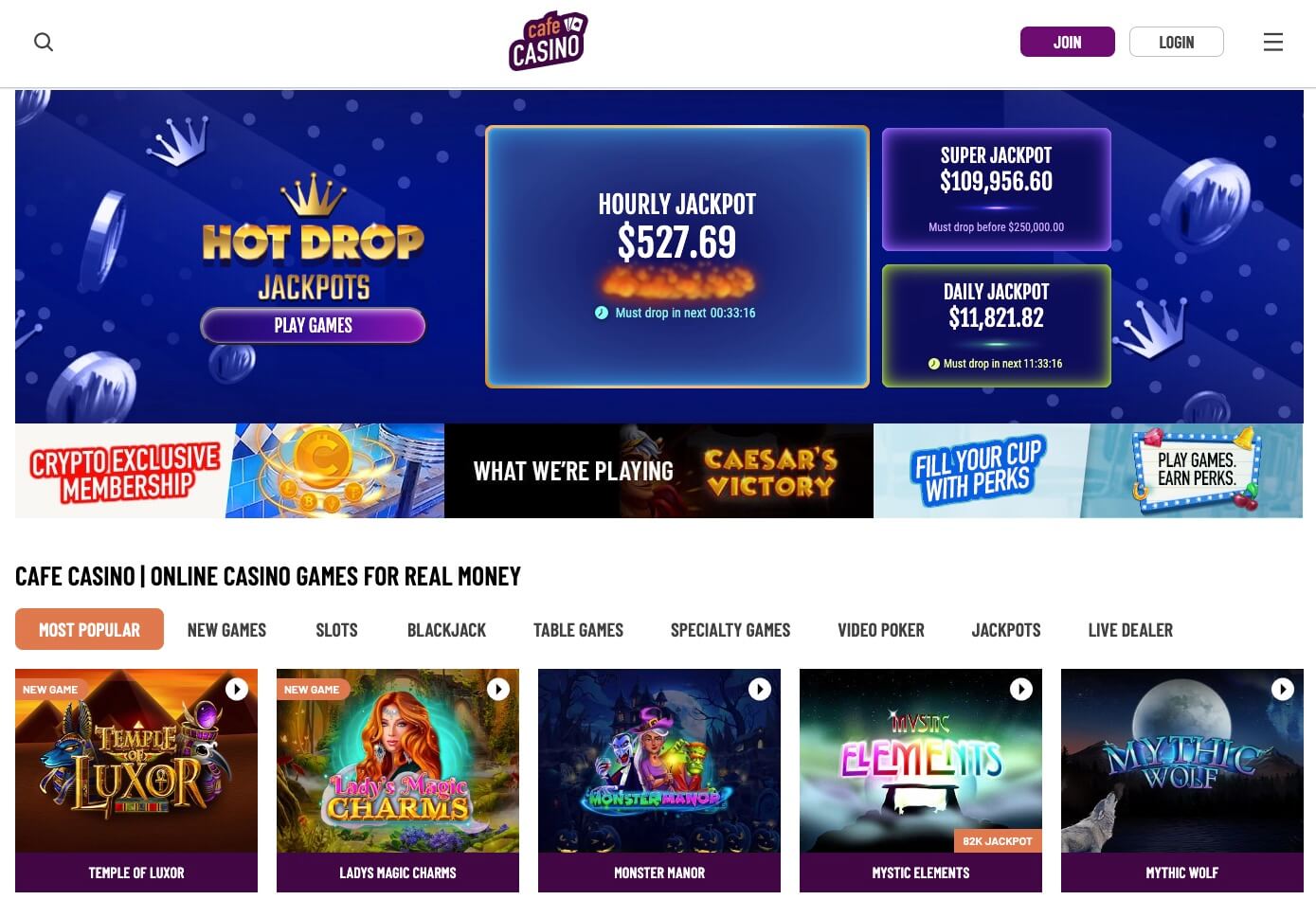
At Betista Casino the hub is the one screen where every player picks what to play next https://betistaacasino.com/. It displays all available games, all active promotions and every payment option in one place. Because the lobby arranges many titles and numerous banking methods, knowing how it works cuts down time and avoids mistakes. The following sections explain the layout, the main game groups, the bonus categories shown, the cashier flow, the protection system, the mobile platform, the safe-play features and the help channels. Each section gives practical steps you can apply right now on the homepage.
Arrangement of the Entrance Area
The homepage begins with a top bar that shows the current balance, the active bonus and the main menu. Below that bar rest four large tiles: Slots, Table Games, Live Casino and Jackpots. Clicking any tile swaps the entire screen with the games that relate to that category. Under the tiles is a search field that handles both full titles and provider names. A row of filters lies beneath the search field, allowing instant sorting by volatility, RTP or release date. The right-hand column presents the three highest jackpots at the moment and a quick link to the cashier. Because every element is clickable, a player can move from the lobby to any game or to the deposit page in two clicks without swiping through endless pages.
The lobby also remembers the last ten games you opened. These emerge in a row labelled “Recently Played” that only appears after the first login. If you close the browser and return later, the same row shows again, so you can pick up a slot or a blackjack table without looking again. The layout is the same on desktop and tablet; on phones the four main tiles pile up vertically and the jackpot column shrinks into a single line at the bottom. No extra software is needed; the page loads in any modern browser that supports HTML5.
Game Types
Slot games form the biggest section. More than eight hundred options are categorized by provider so you can find every game from a single studio in one scroll. Each slot card displays the RTP figure, the volatility label and the maximum win amount displayed in the currency you have chosen. A small heart icon allows you to add the title to a personal favourites list that remains linked to your account across devices.
Table games take up the next block. European roulette, French roulette, multiple blackjack variants and several poker derivatives stand side by side. Each table lists the minimum and maximum bet so you can choose before you open the game. A separate sub-section called “Instant Win” includes scratch cards and numbered lottery draws that resolve in seconds rather than rounds.
Live Casino is presented as a grid of streaming rooms. Each room card displays the game type, the dealer’s name, the number of seats still open and the current bet limits. Clicking the card launches a full-screen video feed with a betting panel on the right. All live tables support chat, and the dealer’s responses show up in the same language you selected at login. The lobby updates seat counts every ten seconds, so you always see which tables have space before you join.
Offers Featured in the Main Hall
A trio of permanent offers are shown directly under the game tiles. The first constitutes a match bonus on the first deposit; the second is a weekly cashback percentage; the third is a free-spin bundle linked to selected slot releases. Each promotion tile displays the exact percentage, the maximum amount and the wagering requirement in a single line. Hovering over the tile activates a tooltip that displays the eligible payment methods and the expiry date of the offer.
A fourth tile named “Tournaments” opens a calendar of ongoing competitions. Each tournament displays the prize pool, the start and end dates, and the number of players already registered. You can join directly from the calendar; the buy-in amount, if any, is taken from your balance immediately and the ticket shows up in your account summary. Because the lobby updates the calendar every hour, you never have to leave the homepage to verify whether a new event has been added.
Player Protection Tools
Within the account menu sits a “Limits” page allowing you to set daily, weekly or monthly deposit caps. Once a limit is reached, the deposit button is disabled until the period resets. A distinct “Reality Check” option sends a pop-up every thirty, sixty or ninety minutes displaying the time and amount spent so far; you must acknowledge the message before play continues.
Self-exclusion periods vary from twenty-four hours to five years. During exclusion the lobby presents only a message guiding players to external help resources; no game or deposit screen is accessible. pour plus d’informations Cooling-off periods of one to seven days produce the same lock-out without the longer commitment. All limits and exclusions are kept on the server, so changing devices does not remove them.
Mobile Platform
The lobby uses responsive design, so the same URL functions on phones without a separate app. On smaller screens the four category tiles transform into large buttons that show full-screen lists. The search field remains at the top and is reachable with one thumb tap. Game thumbnails adjust automatically; the only difference is that live-dealer video opens in landscape mode to provide the dealer feed more space.
Push notifications can be turned on for tournament start times and for the moment a withdrawal is approved. These alerts come through the browser rather than through an installed application, so no storage space is consumed on the phone. Battery usage stays low because the lobby doesn’t run background processes after the tab is closed.
Protection and Licensing
Every connection to the lobby is secured with the newest TLS version. A padlock icon in the browser address bar confirms the certificate; clicking it reveals the issuing authority and the expiry date. The footer of the lobby includes the licence number and the regulator’s name; both are clickable links that access the regulator’s public register in a new tab.
Two-factor authentication can be turned on from the account menu. Once activated, every login from a new device requires a six-digit code sent by SMS or produced by an authenticator app. Session logs show the date, time, IP address and device type of the last ten logins, allowing you to detect any unfamiliar entry immediately. If an unknown login shows up, a single click terminates all active sessions and forces a password reset.
Ways to Reach Support
Live chat launches from a button positioned at the bottom right of every lobby screen. The first available agent answers within one minute during the stated support hours. If the query relates to a specific transaction, the agent can view the same screen you see and can assign a reference number to the chat transcript for later follow-up.
Email support is provided for issues that require documents, such as identity verification. Response times are stated as within four hours on weekdays and within twelve hours on weekends. A ticket number is generated automatically and appears in the subject line of every reply, allowing you to keep the entire thread in one folder. Phone support is offered for account-recovery cases; the number is shown only after you pass an automated verification step that requests the last four digits of your registered payment card.
Payments and Withdrawals
The banking section loads in a new window when you select the balance figure. The first tab displays every available payment method including the minimum and maximum limits per transaction and the settlement time. Bank transfers are listed with a note that they typically settle within one to three banking days, while e-wallets and instant bank payments are indicated as processing in under fifteen minutes during business hours.
Withdrawal applications follow the same procedure. You choose the method, input the amount and verify. A progress bar shows the current status: “Received”, “Under review”, “Approved” or “Sent”. If the review stage exceeds the time listed on the page, an on-screen message offers the direct email address of the finance team. All withdrawal notices are forwarded to the address registered at account creation, so you can keep a record without logging back in.
FAQ
Is it necessary to download software to use the lobby?
No download is required. All games and each banking function works inside a regular web browser that works with HTML5. Simply open the site, log on and the lobby shows up exactly as it does on a desktop computer.
How much time does a withdrawal require?
Handling time is based on the method you pick. E-wallet and instant bank payments are normally finished within fifteen minutes once approved. Conventional bank transfers take one to three banking days. The cashier page displays the precise estimate for every option before you confirm the request.
Can I change the currency following registration?
The currency remains fixed at account creation to satisfy regulatory requirements. Should you need a different currency you need to close the current account and open a new one, which requires finishing the verification process anew. Always choose the currency you will use before you complete the sign-up form.
Is two-factor authentication required?
Two-factor authentication is not required but strongly advised. It can be activated at any time from the account menu. Once enabled, all logins from a new device requires an additional six-digit code delivered via SMS or generated by an authenticator app.
What is the outcome when I reach my deposit limit?
When a daily, weekly or monthly limit is reached the deposit button gets deactivated and a message clarifies the restriction. The button turns active again automatically when the selected period resets. You can adjust the limit upward solely after the current period ends.
Who can I contact if I think a technical problem?
The live chat is the most direct method for technical questions. The agent is able to run a quick connection test as you stay in the chat window. Should the issue require further investigation, the agent generates a ticket and you get updates by email until the matter is settled.